
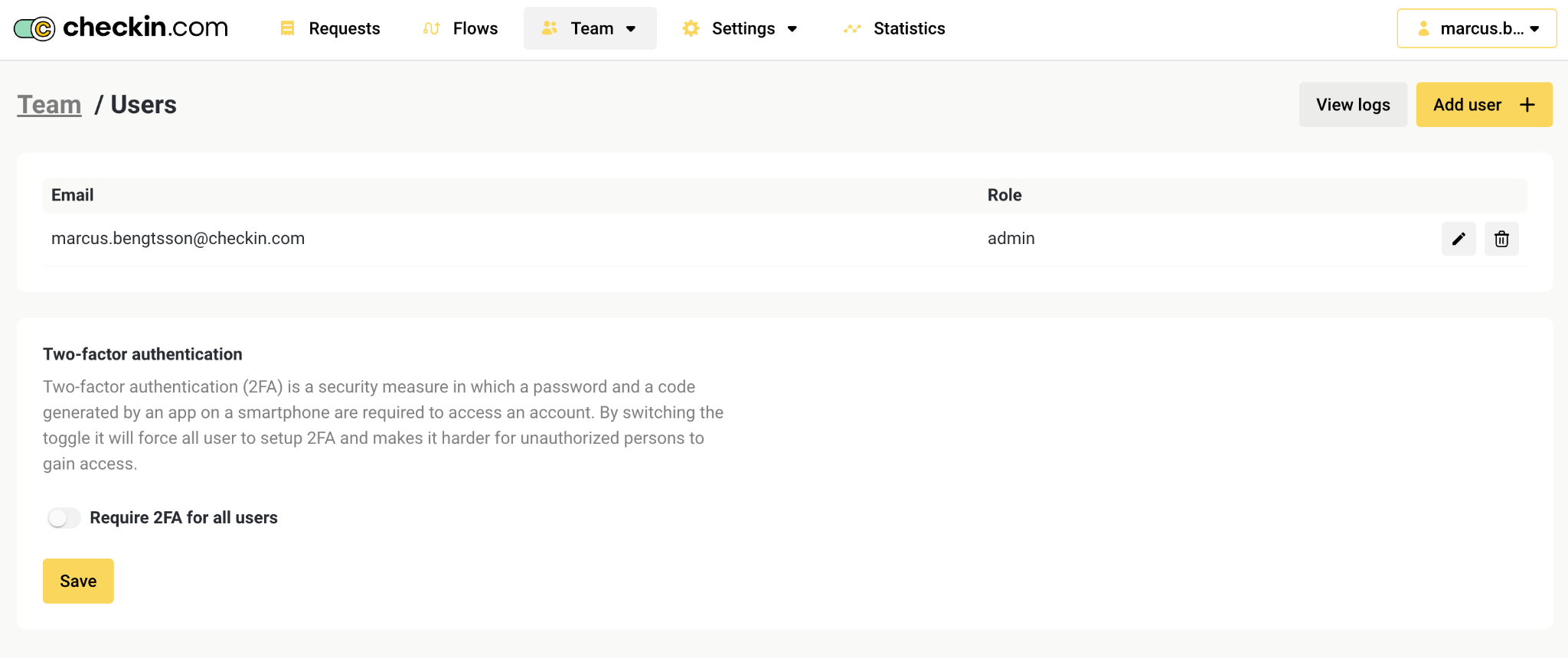
Team → Users with the two-factor authentication setting
Add a user
- Go to Team → Users and click Add user.
- Enter their Email.
- Choose a Role. See Set roles.
- Optionally, choose Metadata filters to limit which applications they see. By default a user sees all applications (Show all).
- Click Add user.